
Building or upgrading a PC requires the right set of computer component. Whether you’re a gamer, content creator, or professional, understanding each part’s role is essential for making an informed decision. This guide covers everything you need to know about computer components, helping you choose the best parts for your needs.
1,400.00৳ Original price was: 1,400.00৳ .1,249.00৳ Current price is: 1,249.00৳ .
5,950.00৳ Original price was: 5,950.00৳ .5,849.00৳ Current price is: 5,849.00৳ .
2,700.00৳ Original price was: 2,700.00৳ .2,549.00৳ Current price is: 2,549.00৳ .
3,000.00৳ Original price was: 3,000.00৳ .2,849.00৳ Current price is: 2,849.00৳ .
26,000.00৳ Original price was: 26,000.00৳ .23,449.00৳ Current price is: 23,449.00৳ .

1,500.00৳ Original price was: 1,500.00৳ .1,349.00৳ Current price is: 1,349.00৳ .
1,700.00৳ Original price was: 1,700.00৳ .1,199.00৳ Current price is: 1,199.00৳ .
1,700.00৳ Original price was: 1,700.00৳ .1,549.00৳ Current price is: 1,549.00৳ .
700.00৳ Original price was: 700.00৳ .599.00৳ Current price is: 599.00৳ .
1,400.00৳ – 3,800.00৳ Price range: 1,400.00৳ through 3,800.00৳
1,300.00৳ Original price was: 1,300.00৳ .999.00৳ Current price is: 999.00৳ .

3,500.00৳ Original price was: 3,500.00৳ .2,999.00৳ Current price is: 2,999.00৳ .
8,500.00৳ Original price was: 8,500.00৳ .7,700.00৳ Current price is: 7,700.00৳ .
11,000.00৳ Original price was: 11,000.00৳ .9,499.00৳ Current price is: 9,499.00৳ .

18,000.00৳ Original price was: 18,000.00৳ .15,799.00৳ Current price is: 15,799.00৳ .
The Central Processing Unit (CPU) is one of the most critical components of a computer. It executes instructions and processes data, impacting your PC’s overall speed and performance.
Popular Brands: Intel, AMD
Key Features to Consider: Number of cores, clock speed, cache size, and thermal design power (TDP)
Best for: Gaming, video editing, multitasking, programming
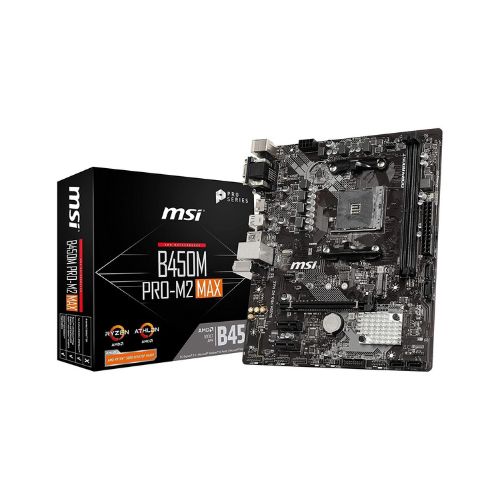
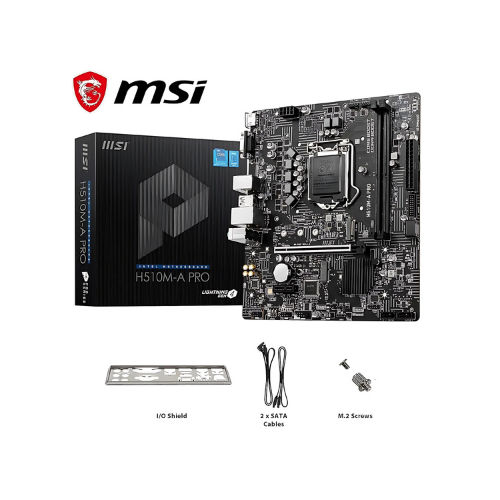
A motherboard connects all the essential components, allowing them to communicate and function together.
Types of Motherboards: ATX, Micro-ATX, Mini-ITX
Important Features: Socket compatibility, RAM slots, PCIe slots, storage connections, and expansion options
Best for: Ensuring compatibility with CPU, RAM, and other components
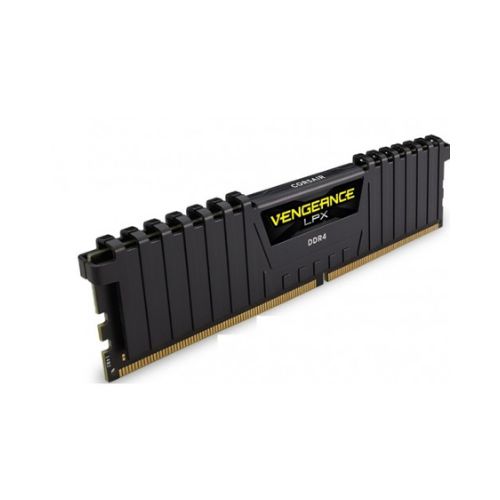
RAM is crucial for smooth multitasking and faster performance in applications and games.
Types of RAM: DDR4, DDR5
Factors to Consider: Capacity (8GB, 16GB, 32GB+), speed (MHz), latency
Best for: Gaming, professional workloads, video editing
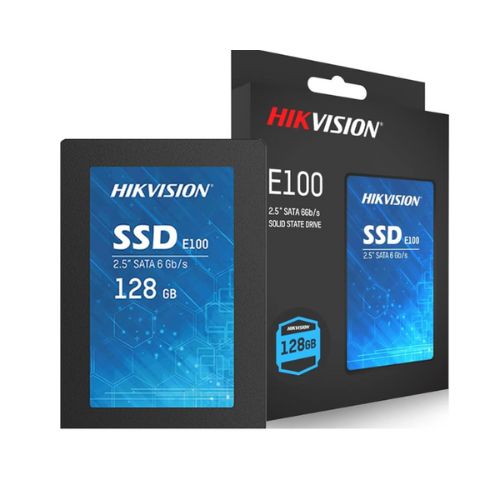
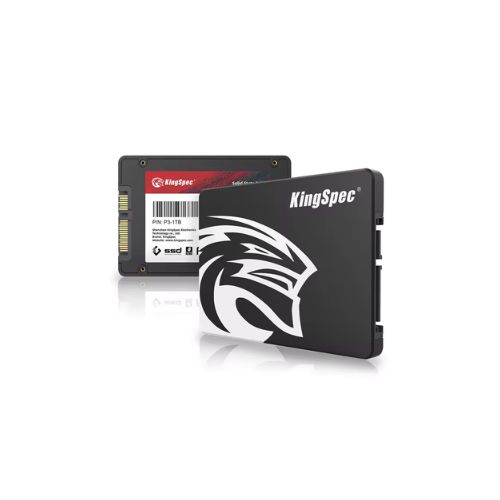
Storage solutions affect system speed and reliability.
HDD (Hard Disk Drive): More storage at a lower price but slower speeds
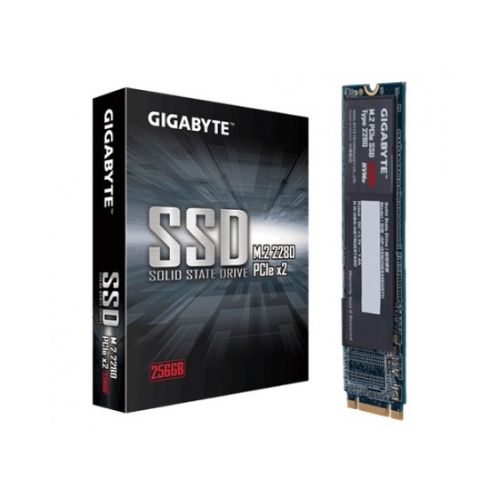
SSD (Solid-State Drive): Faster performance, reduced boot times, and enhanced durability
NVMe SSDs: The fastest storage option, ideal for gaming and professional workloads
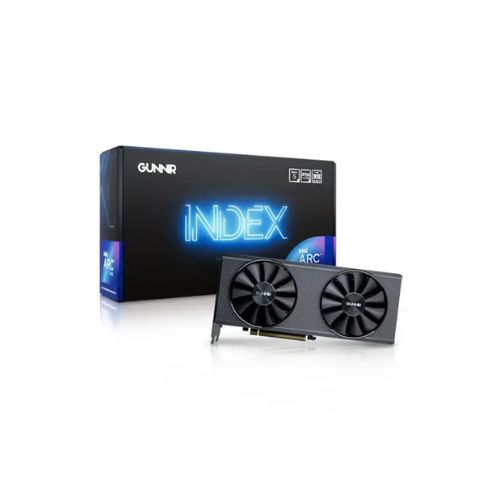
A dedicated graphics card is necessary for gaming, 3D rendering, and video editing.
Popular Brands: NVIDIA, AMD
Key Features: VRAM size, clock speed, CUDA cores (NVIDIA) or Stream Processors (AMD)
Best for: Gaming, video editing, AI development
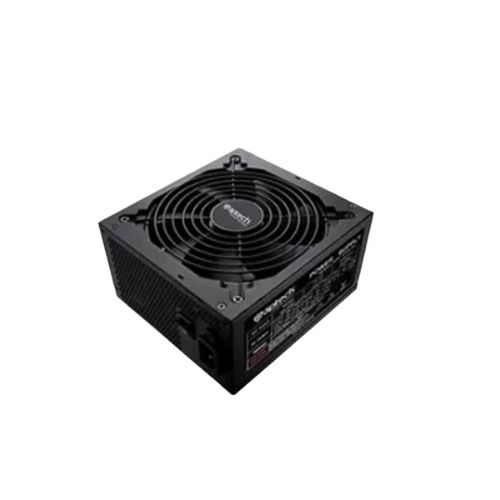
A reliable PSU ensures stable performance and protects components from power fluctuations.
Factors to Consider: Wattage, efficiency rating (80 Plus Bronze, Gold, Platinum)
Best for: Ensuring sufficient power supply for all components
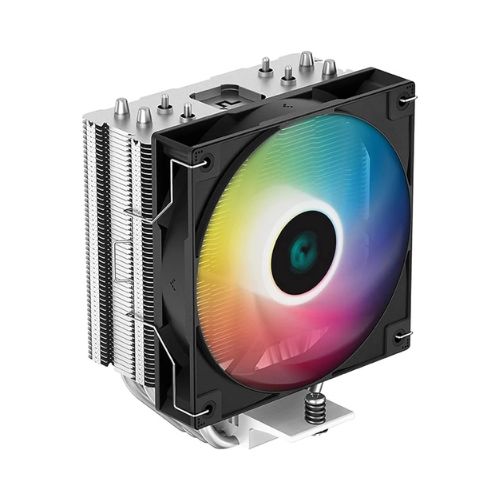
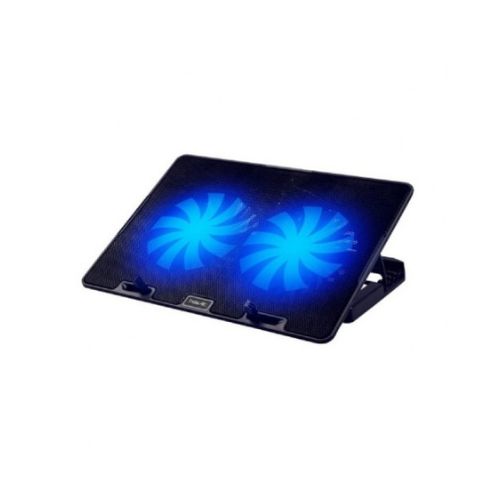
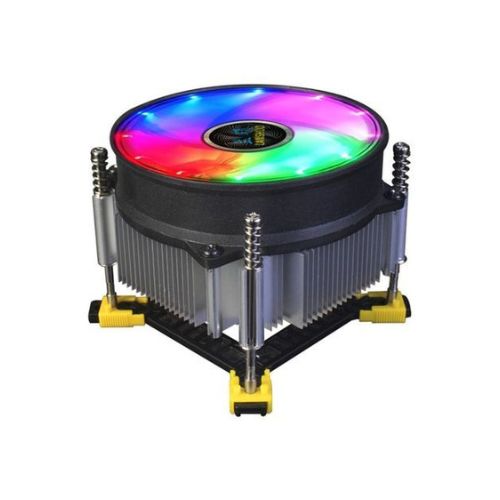
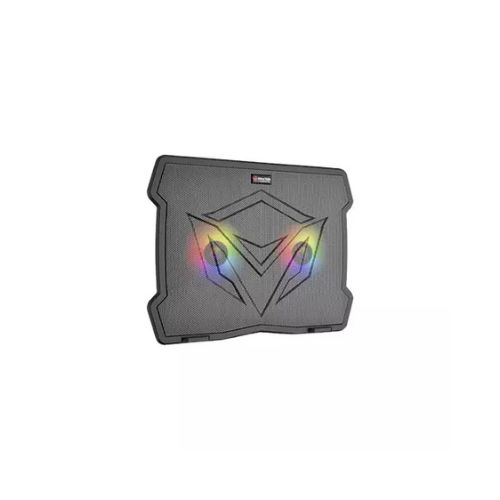
Proper cooling is essential for maintaining performance and extending component lifespan.
Types of Cooling: Air cooling (fans) and liquid cooling (AIO coolers)
Best for: Overclocking, gaming, and high-performance workloads
Choosing the right case enhances airflow, cable management, and aesthetics.
Factors to Consider: Form factor, airflow design, build quality
Best for: Custom builds, gaming setups, workstation PCs
While not internal components, peripherals complete your setup.
Monitor: Resolution, refresh rate, response time
Keyboard & Mouse: Mechanical vs. membrane, wired vs. wireless
Headset & Speakers: Surround sound, noise cancellation
Choosing the right computer components is crucial for building a powerful and efficient PC. Whether you’re upgrading or starting from scratch, understanding these components will help you make the best decision for performance, budget, and future upgrades. Invest wisely and enjoy a seamless computing experience!
Tap anywhere to close · Pinch to zoom on mobile